FC Forum Stats Bar
MYBB
PLUGIN
free
Forum statistics bar with member, thread, post, and online counts.
A MyBB plugin that displays forum statistics in a stylish bar at the top or bottom of your forum. Shows member count, thread count, post count, online users, and new members today. Each stat is displayed in a card with a large number and a label.
The bar is styled with configurable background and accent colors. Statistics are cached for a configurable duration (default 5 minutes) to avoid database queries on every page load. The bar can be positioned at the top or bottom of the forum page.
Stats include total members, total threads (visible), total posts (visible), current online users, and members who joined today. Short number formatting is used for large numbers (e.g., 1.2K, 3.4M).
The bar is styled with configurable background and accent colors. Statistics are cached for a configurable duration (default 5 minutes) to avoid database queries on every page load. The bar can be positioned at the top or bottom of the forum page.
Stats include total members, total threads (visible), total posts (visible), current online users, and members who joined today. Short number formatting is used for large numbers (e.g., 1.2K, 3.4M).
Preview
 1 / 1
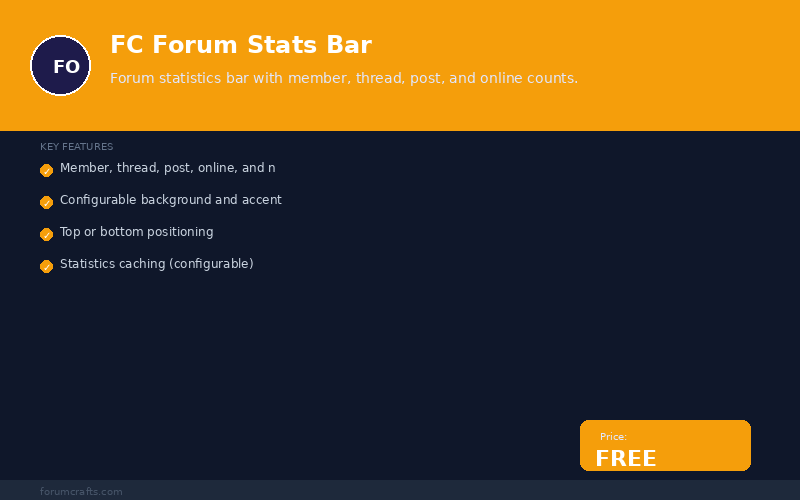
FC Forum Stats Bar screenshot with features and free badge⤢ Tap image for full size
What's included
- Member, thread, post, online, and new-today counts; Configurable background and accent colors; Top or bottom positioning; Statistics caching (configurable); Short number formatting (1.2K, 3.4M); Responsive flex layout; No database tables; Lightweight
At a glance
| Platform | MyBB plugin |
|---|---|
| Latest version | v1.0.0 |
| Download size | 2.3 KB |
| Released | 7 Nov 2026 |
| Downloads | 0 |
| Access | Free — sign in to download |
| Compatibility | MyBB 1.8.x; Files: inc/plugins/fc_forum_stats_bar.php; Settings: 9; Hooks: forum_start; Database: None (uses cached data); External dependencies: none |
Requirements
- MyBB 1.8.0 or newer; PHP 5.4+ (7.x and 8.x tested)
Checksum
Verify your download before you upload it to your board.
f4319d256f40f1ede25ff9dfeef9b613a38825397978e0ea19fa6e68bef5903bInstall it
1. Download fc-forum-stats-bar-1.0.0.zip
2. Extract the zip
3. Upload inc/plugins/fc_forum_stats_bar.php to your MyBB root
4. Go to MyBB Admin → Plugins → find "FC Forum Stats Bar"
5. Click Activate
6. Go to Admin → Settings → FC Forum Stats Bar to configure
2. Extract the zip
3. Upload inc/plugins/fc_forum_stats_bar.php to your MyBB root
4. Go to MyBB Admin → Plugins → find "FC Forum Stats Bar"
5. Click Activate
6. Go to Admin → Settings → FC Forum Stats Bar to configure
Questions people ask
Q: What statistics does this show?
A: Total members, total threads, total posts, online users, and new members today.
Q: Can I show only some stats?
A: Yes. Toggle each stat on/off in the plugin settings.
Q: Where does the bar appear?
A: You can set it to appear at the top or bottom of the forum page.
Q: Does this affect performance?
A: No. Statistics are cached for 5 minutes by default, so no extra database queries on every page load.
Q: Can I customize the colors?
A: Yes. Set background and accent colors in the plugin settings.
All releases
| Version | Released | Size | Downloads | Changelog |
|---|---|---|---|---|
| v1.0.0 latest | 07 Nov 2026 | 2.3 KB | 0 | Initial release of FC Forum Stats Bar. |
Ratings & reviews
No ratings yet — the first one will be real, not seeded
Ratings come from registered members only — that is the whole point.
Sign in to rateFree account, 20 seconds. Create one
More MyBB plugins
Credits Plugin for MyBB
The points engine the rest of the suite builds on — earned automatically, spent in the shop.
Support Desk Plugin for MyBB
A private support desk inside your forum — tickets, staff view, no third-party helpdesk.
Achievements Plugin for MyBB
Ten automatic milestone badges — posts, threads, hours online, tenure — on profiles and a…
MyBB Google Authenticator Login
Google Authenticator (TOTP) two-factor authentication for MyBB logins