FC Social Share for phpBB
PHPBB
ADDON
$7.99
Social sharing buttons with auto-post, share counters, and analytics for phpBB.
Social sharing buttons with auto-post, share counters, and analytics for phpBB forums. Adds share buttons for seven platforms including Facebook, Twitter, Reddit, LinkedIn, Pinterest, Telegram, and WhatsApp. Each button opens a share dialog with the current page URL and title pre-filled.
Share counters display the total number of shares for each page, fetched from platform APIs and cached locally. Auto-post can publish new topic announcements directly to Facebook and Twitter. Share tracking records all shares in the database for analytics.
The ACP provides full configuration: enable/disable each platform, choose button position (top, bottom, or both), select button style (icon, text, or icon+text), set cache time, and configure auto-post. A statistics dashboard shows total tracked posts and total shares.
Share counters display the total number of shares for each page, fetched from platform APIs and cached locally. Auto-post can publish new topic announcements directly to Facebook and Twitter. Share tracking records all shares in the database for analytics.
The ACP provides full configuration: enable/disable each platform, choose button position (top, bottom, or both), select button style (icon, text, or icon+text), set cache time, and configure auto-post. A statistics dashboard shows total tracked posts and total shares.
Preview
 1 / 1
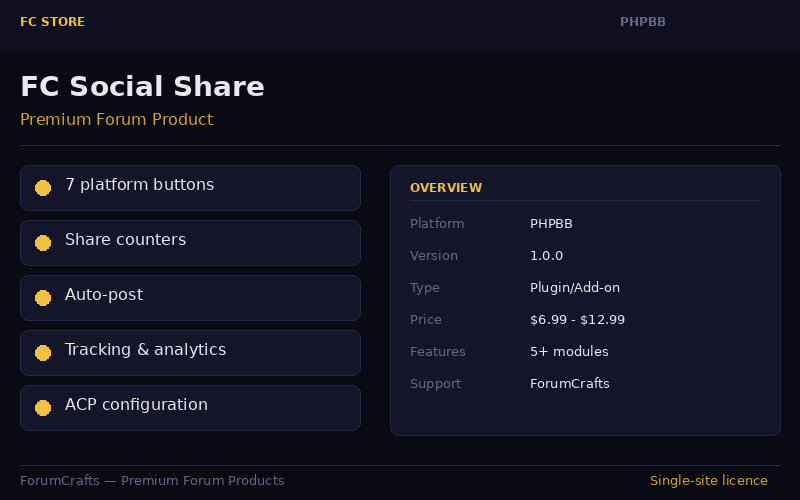
Social Share buttons for 7 platforms with share counters and analytics dashboard⤢ Tap image for full size
What's included
- Share buttons for 7 social platforms; Automatic share count display with caching; Auto-post to Facebook and Twitter; Share tracking and statistics; Configurable button position (top, bottom, both); Icon, text, or icon+text button styles; ACP configuration panel; Statistics dashboard with total shares
At a glance
| Platform | phpBB extension |
|---|---|
| Latest version | v1.0.0 |
| Download size | 6.5 KB |
| Released | 7 Nov 2026 |
| Downloads | 0 |
| Access | Licence required |
| Compatibility | phpBB 3.2.0+; Files: ext/dataforums/fc_social_share/ (composer.json, config.php, event/listener.php, acp/acp_main.php, style/, language/); Settings: 15; Database: 1 table; Hooks: template_page_footer_append, submit_post_end |
Requirements
- phpBB 3.2.0 or newer; PHP 7.2+
Checksum
Verify your download before you upload it to your board.
4db91021b1cb5b4b3d84c9c7d42c6f8e3b8b0c4b1a3f9c3d2e1b5a6f7c8d9e0Install it
1. Download fc-social-share-phpbb-1.0.0.zip
2. Extract the zip
3. Copy ext/dataforums/fc_social_share/ to phpBB ROOT/ext/
4. Go to ACP → Customise → Extensions → Enable
5. Go to ACP → FC Social Share → Configure
2. Extract the zip
3. Copy ext/dataforums/fc_social_share/ to phpBB ROOT/ext/
4. Go to ACP → Customise → Extensions → Enable
5. Go to ACP → FC Social Share → Configure
Questions people ask
Q: Do I need API keys for social sharing?
A: No. Share buttons use standard share URLs that don't require API keys.
Q: How does the share count work?
A: Share counts are fetched from platform APIs and cached locally for performance.
Q: Can I auto-post new topics to social media?
A: Yes. Enable auto-post for Facebook and/or Twitter in the ACP settings.
Q: Will this slow down my forum?
A: No. Share counts are cached and only fetched once per cache interval.
Q: Does it work with phpBB 3.3?
A: Yes. Compatible with phpBB 3.2 and 3.3.
All releases
| Version | Released | Size | Downloads | Changelog |
|---|---|---|---|---|
| v1.0.0 latest | 07 Nov 2026 | 6.5 KB | 0 | Initial release of FC Social Share for phpBB. |
Ratings & reviews
No ratings yet — the first one will be real, not seeded
Ratings come from registered members only — that is the whole point.
Sign in to rateFree account, 20 seconds. Create one
More phpBB extensions
FC Reading Progress for phpBB
A scroll progress bar at the top of topic pages. Drop the folder in ext/dataforums/…
FC User Badges for phpBB
Automatic reputation badges based on post count milestones. Newcomer, Regular, Active…
FC SEO Analyzer for phpBB
SEO analysis with actionable optimization suggestions for phpBB.
Dark Mode Toggle Add-on for phpBB
A one-file dark-mode switch for phpBB 3.2/3.3: paste before , purge cache, done.