Reading Progress Plugin for WordPress
A scroll progress bar and an honest reading-time estimate, with no jQuery and no external requests.
It hides itself on entries too short to scroll, it never animates for visitors who asked their system for reduced motion, and the per-entry switch in the editor lets a short note opt out while your long guides keep the bar. No account, no key, no network call anywhere in the code.
Preview
 1 / 2
What's included
- Scroll progress bar, solid or two-colour gradient, top or bottom of the screen
- Reading-time estimate above or below the content, or only where you place [df_reading_time]
- Per-entry switch on the editor screen - one note can opt out while guides keep the bar
- Hides itself automatically when the content fits on one screen
- No jQuery: one stylesheet and about 90 lines of plain JavaScript
- No external requests, no fonts or scripts from anywhere but your own server
- No database table: one option row, and an uninstall that removes it
At a glance
| Platform | WordPress plugin |
|---|---|
| Latest version | v1.0.2 |
| Download size | 18.1 KB |
| Released | 25 Oct 2026 |
| Downloads | 1 |
| Access | Free — sign in to download |
| Platform | WordPress 6.2 or newer (tested on 7.1.3) |
| PHP | 7.4 or newer (tested on 8.4) |
| Files | 8 - bootstrap, two classes, CSS, JS, readme, licence, uninstall |
| Database | one option row, deleted on uninstall |
| Settings | Settings > Reading Progress |
| Shortcodes | [df_reading_time] |
| Licence | GPL-2.0-or-later |
Requirements
- WordPress 6.2 or newer (tested on 7.1.3)
- PHP 7.4 or newer (tested on 8.4)
- Any theme - no template edits are needed
- No jQuery, no external service and no account
Checksum
Verify your download before you upload it to your board.
4c7f11923cc1e7111d9609f7839ceed7347afa35091548ad83a217d864d7d130Install it
2. Open Settings > DF Reading Progress and choose the style, colours, thickness and position.
3. Pick the post types that should get the bar, and whether the reading-time line sits above or below the content.
4. For a single entry you want to leave alone: open it in the editor and clear "Show the bar and the estimate on this entry" in the Reading progress box.
Questions people ask
Does it change my theme?
No template edits are needed. The bar is appended by a small script and the reading-time line is filtered in above or below the content.
How is the reading time calculated?
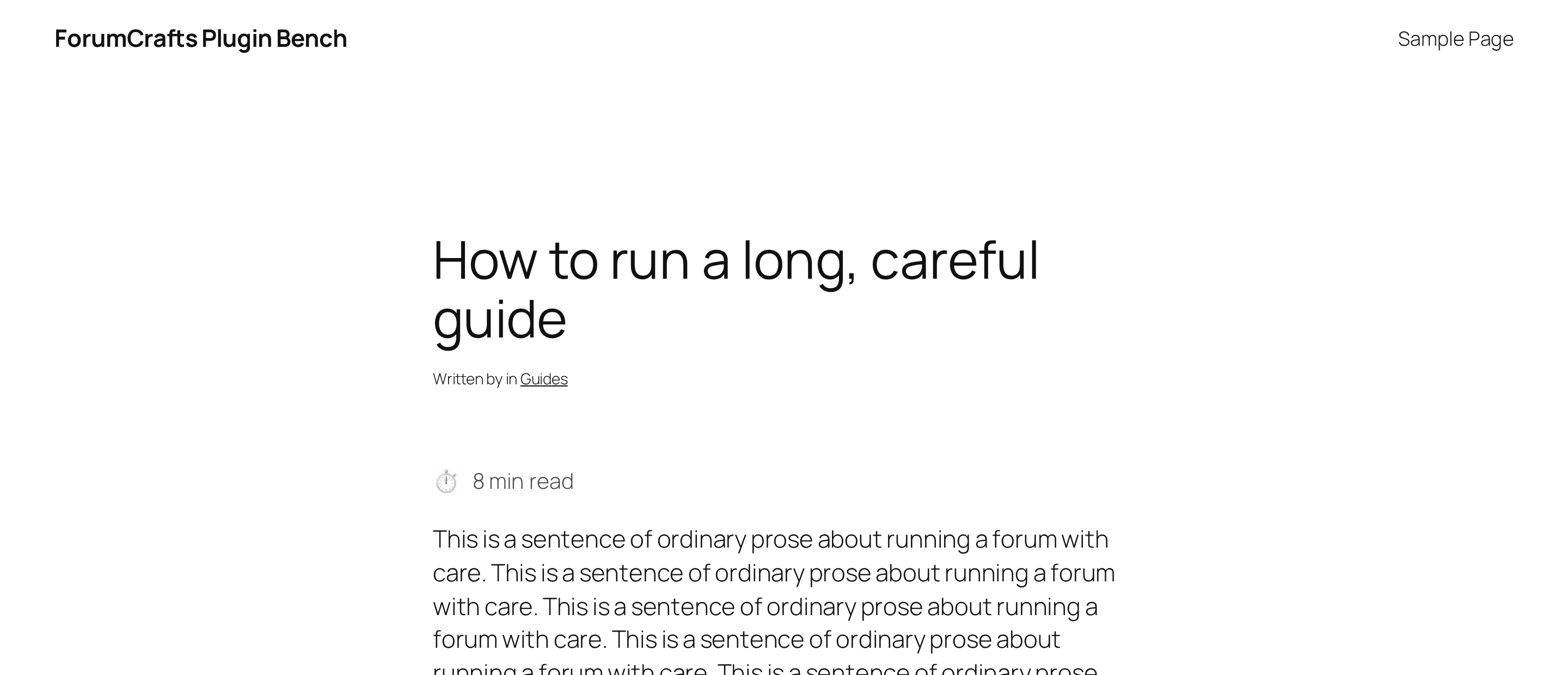
The plugin counts the words in the entry after stripping shortcodes and markup, then divides by your reading speed - 220 words per minute by default, adjustable between 80 and 600. The result rounds up, so a short note shows 1 min rather than 0. On the bench a 1,560-word entry reads "8 min read".
Does it work with page builders?
The bar does, because it only looks at how tall the finished page is. The reading-time line is filtered into the content, so a builder that replaces the content area entirely may not show it - use the shortcode there.
Is anything sent to you or anyone else?
No. There is no account, no key and no network call in the code; the linter we ship with checks for external hosts on every build.
What happens when I delete the plugin?
uninstall.php deletes the settings row and the per-entry switch, on single sites and on every site of a network.
All releases
| Version | Released | Size | Downloads | Changelog |
|---|---|---|---|---|
| v1.0.2 latest | 25 Oct 2026 | 18.1 KB | 1 | 1.0.2 - Re-verified on WordPress 7.1.3 with PHP 8.4: installed, activated and exercised on a clean bench (front end, settings screen, the plugin's own behaviour) with WP_DEBUG on. No notices, warnings, deprecations or errors. readme.txt now declares Tested up to 7.1.3. |
| v1.0.1 | 25 Oct 2026 | 19.4 KB | 0 | Removed the `Update URI` header. WordPress.org's automated scan reads that header as a third-party updater (plugin_updater_detected); updates are served by WordPress.org, so the header has no place in a hosted plugin. No change to how the plugin works. |
| v1.0.0 | 25 Oct 2026 | 18.6 KB | 1 | - First public release. |
Ratings & reviews
Ratings come from registered members only — that is the whole point.
Sign in to rateFree account, 20 seconds. Create one